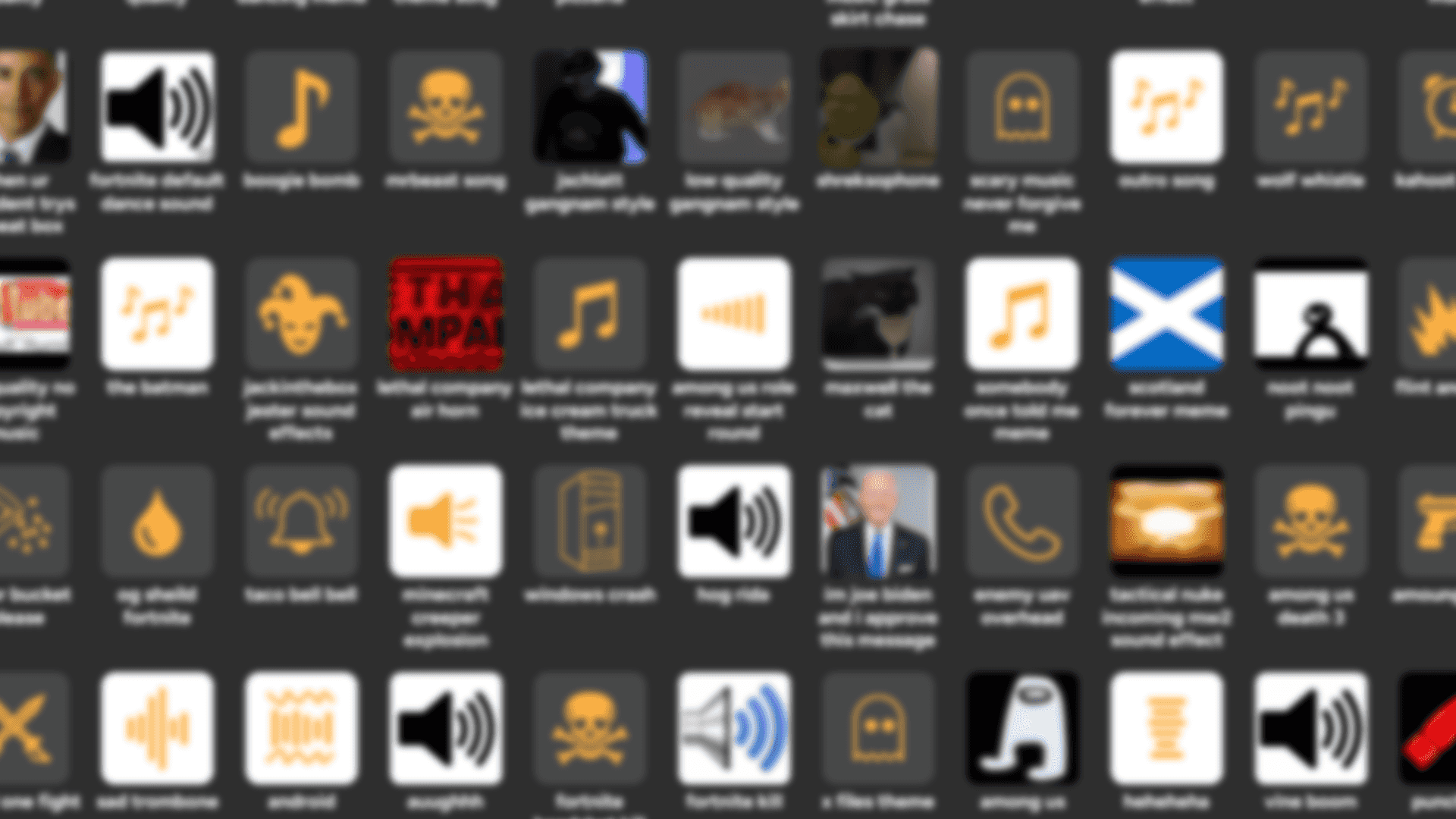
Download SmoredBoard
Version 1.0.5.0
Released 9/21/2026 • ~100 MB
100% Free • No Account Required • Completely Local
Installation
1. Download the Installer
Click the download button above to get the SmoredBoard installer (.exe file). The file will be saved to your Downloads folder.
2. Run the Installer
Double-click the downloaded file to start installation. Follow the on-screen prompts to complete installation. You can choose a custom install location or use the default. If an error occurs during installation, try right-clicking the installer and pressing "Run As Administrator".
3. Restart Your PC
After installation completes, restart your computer. This is necessary because VB-Cable drivers are included with SmoredBoard and need a restart to set up properly.
4. Launch SmoredBoard
Once installed, launch SmoredBoard from your desktop shortcut or Start menu. The app will open and the Setup Helper will automatically launch to guide you through the initial setup process.
Features
 Soundboard
 Unlimited sound slots
- Built-in web browser to easly add sounds
- Import/export profiles
- Customizable keybinds
- Stream Deck integration
 Voice Changer
- Real-time voice effects
- Built-in voice changers
- Effects Lab for custom voices
- Low latency processing
- Create and save custom voice changers
 Effects Lab
- Apply effects to sounds
- Echo, reverb, pitch shift, Bass Boost, Distortion, and more
- Stack multiple effects
- Save effect presets
 Additional Features
- Can be used completely offline
- No account required
- Regular(ish) updates
- Lightweight & fast
- Everything is stored locally on your computer
Ready to Download?
Get started with the most customizable soundboard and voice changer today.